who’s drawing with it!
212 hardware studios sketch in Orthelle every week.
HALDEN AUDIO
oddwork
NORROW
Pell & Vane
KILNFIELD TOOLS
marrow
OSTRA OBJECTS
Brightwell Labs
TALLOW & CO
one model, every view!
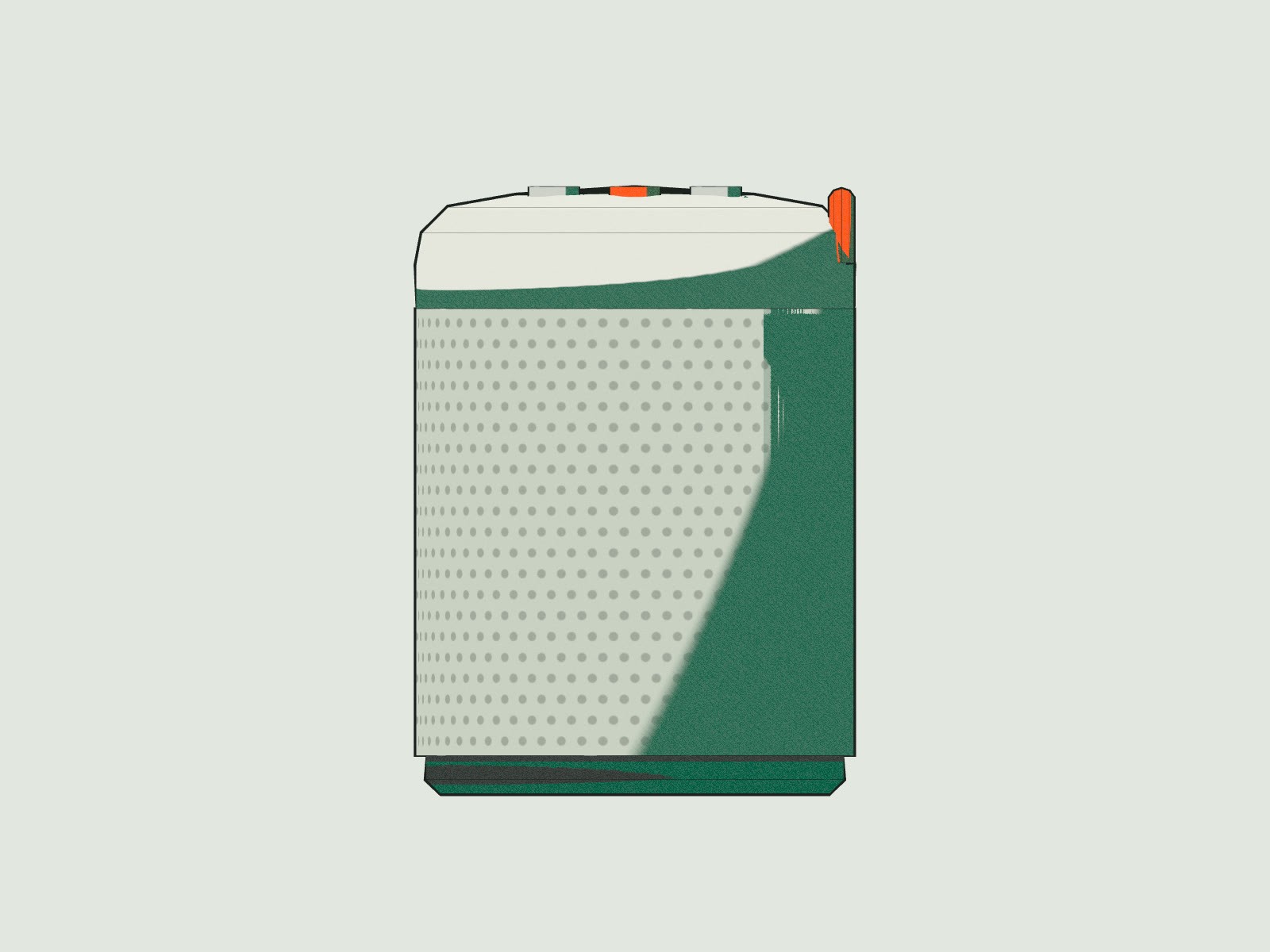
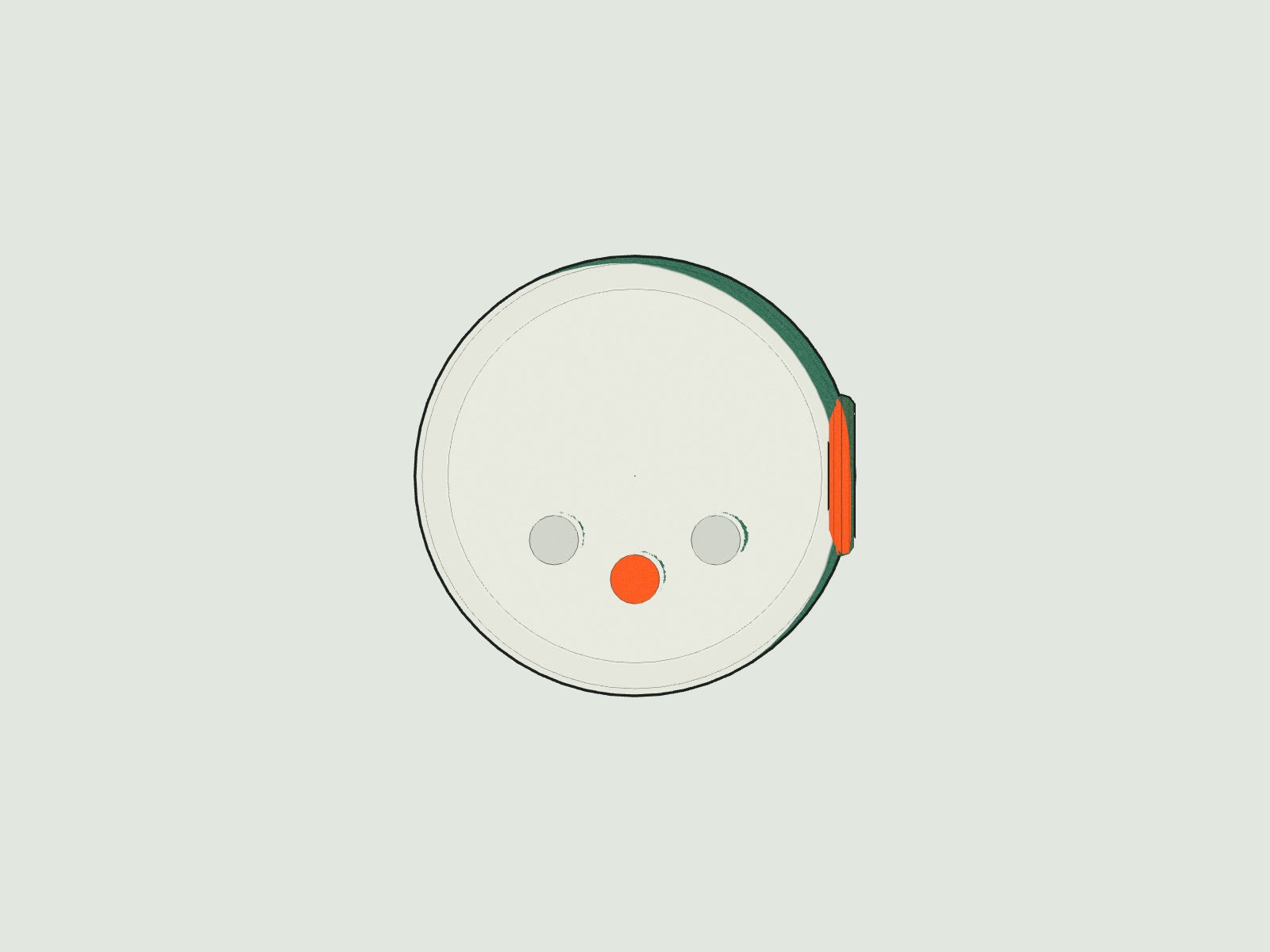
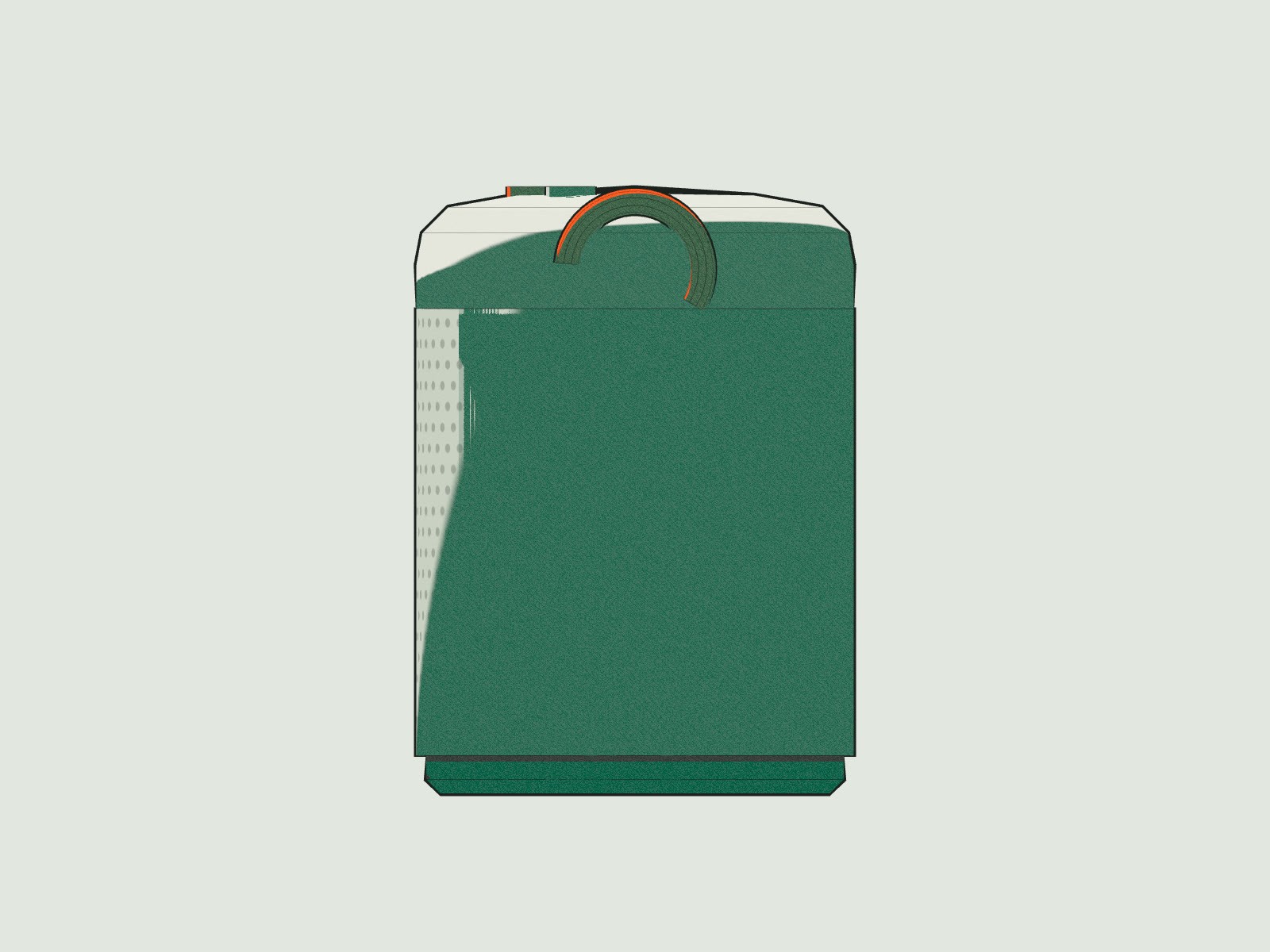
Draw one side. Get every view.
Front, plan, profile and trimetric come from the same solid, so a change in one updates the others. No redrawing the side view at midnight.
→
See the product

lines, kept!
Your lines stay yours.
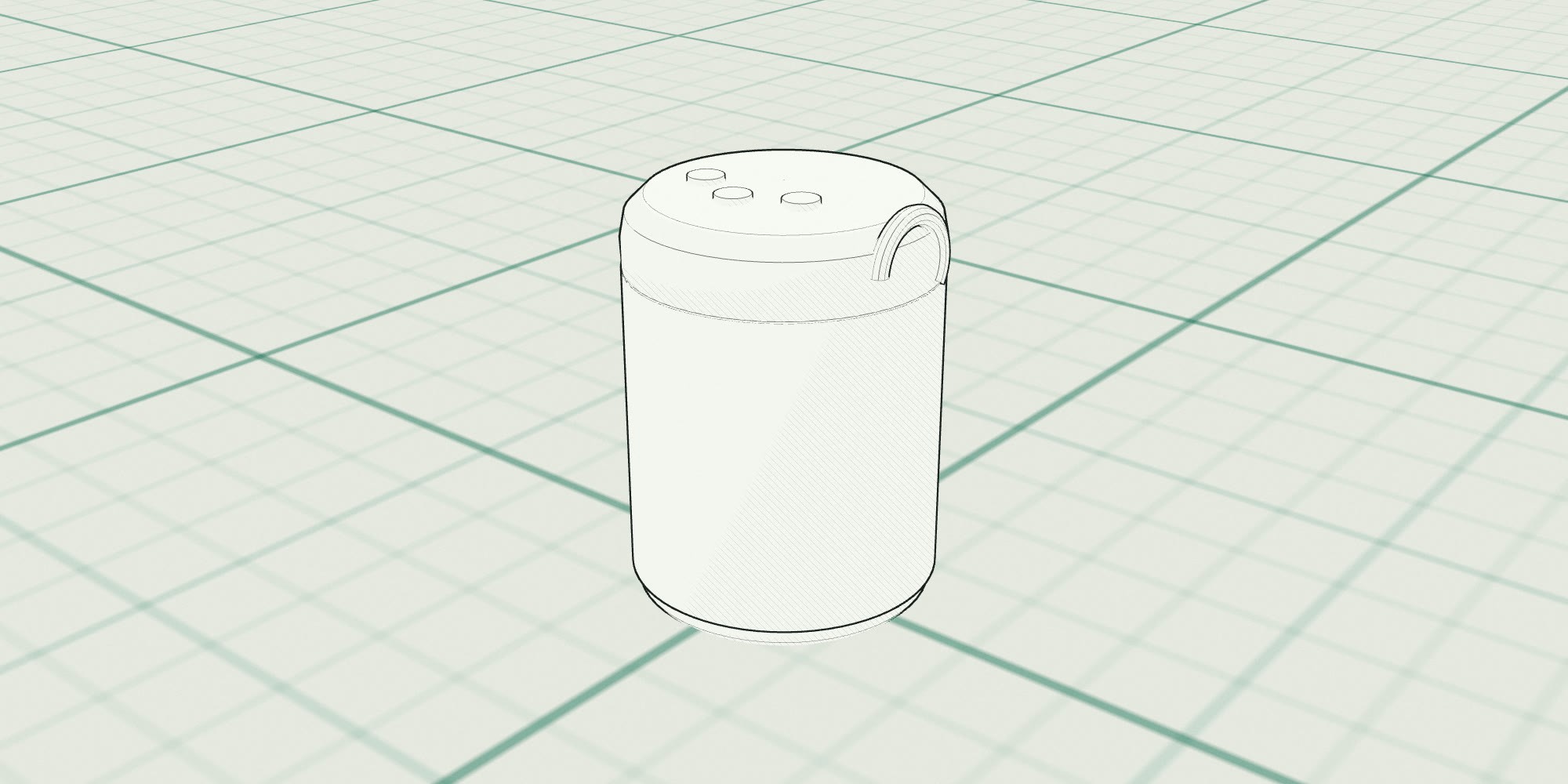
Orthelle keeps the character of your drawing: the lean of a wall, the size of a radius. Drag across to compare the sketch with the model it became.
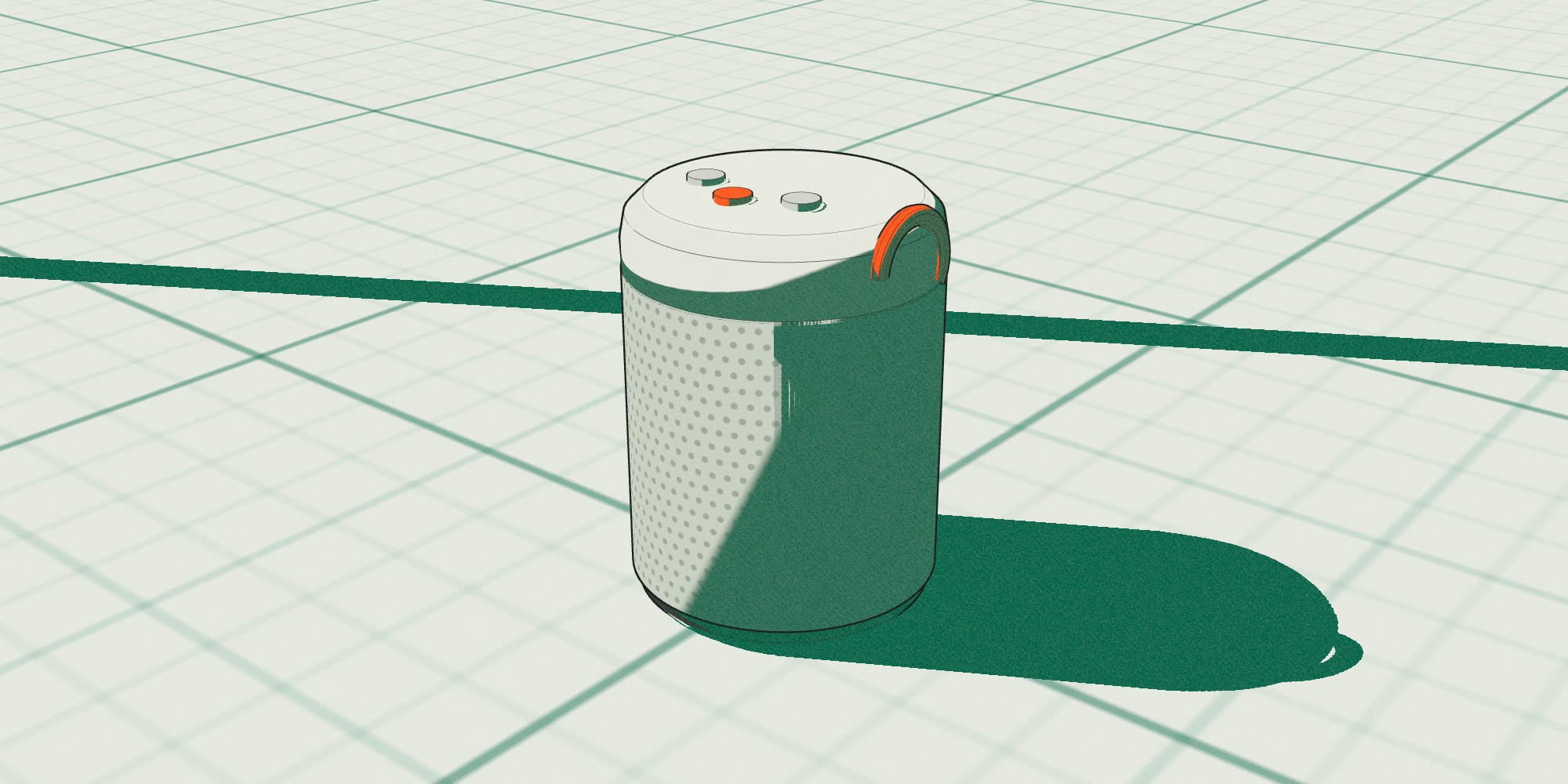
Drag or use arrow keys
Same camera, same object
three steps, no plug-ins!
From paper to part list in an afternoon.
step 01

Draw or upload
Pencil, iPad, a photo of a foam study or a sentence. Write the sizes you care about on the sketch.
step 02

Shape the solid
Orthelle builds editable surfaces and parts. Anything it guessed is marked in orange for you to accept or change.
step 03

Check and send
Cut sections, explode the assembly, pick a colourway, then send STEP to engineering with the feature tree intact.
modelled in orthelle!
Built for every kind of object.
→
All models
Audio
2026
Tern S2
A 0.9 litre speaker drawn on a Saturday and in foam by Wednesday.
Halden Audio

Kitchen
2026
Brume
A pour-over kettle whose spout was redrawn eleven times in a morning.
Oddwork Studio

Audio
2025
Lull
Over-ear headphones with 38 parts, laid out as an assembly on day three.
Norrow

Lighting
2026
Stilt
A task lamp balanced by geometry, not springs.
Pell & Vane

Tools
2025
Torq 18
A cordless drill where the grip was sculpted from a clay squeeze.
Kilnfield Tools

Furniture
2026
Perch
A three-legged stool that ships flat in a box the size of a pizza.
Marrow Furniture

Home
2025
Dial
A desk clock designed around a movement that already existed.
Ostra Objects
fits your stack!
Starts where you draw. Ends in the tools engineers trust.
Hover a tool to trace its route.
hinge detent from a chair photo!
38 parts, reviewed as sections
we’re a studio of four!
“We used to spend a week redrawing a sketch in CAD before anyone could argue about it. Now the argument starts on Monday afternoon, on a real section.”
Saga Lindqvist
Design lead, Norrow · Stockholm
“The section cut paid for the year in one tooling meeting.”
Rafael Duarte · Oddwork, Lisbon
“Our STEP files open in SolidWorks with the fillets still fillets.”
Priya Raman · Kilnfield Tools, Toronto
to the people who make things,
An open letter
To the people who make things,
Objects start in a pencil line. The lean of a wall, the size of a radius, the place a thumb lands. Then that line gets redrawn, again and again, by people translating it into software that asks for numbers first.
We built Orthelle so the drawing stays the source. You sketch the way you always have; the model follows, and it stays editable when you change your mind next week.
Nothing here replaces your judgement. It removes the redrawing, so you have more afternoons for the parts only you can decide.
Make more things.
Ines Marlow & Theo Okafor, co-founders

pick a plan!
Priced per designer, not per render.
Start free on a real project. Upgrade when the model goes to engineering.
- 40 sketch-to-model runs a month
- Solids with fillets and drafts
- STEP export, watermark-free
- One seat
- Unlimited runs and revisions
- Parts, sections and exploded views
- Colourways and material library
- Fusion, Onshape and SolidWorks sync
- Everything in Studio
- Shared part library and reviews
- SSO, audit log, EU data residency
- A named engineer for onboarding
need help?
Questions, answered plainly.
→
hello@orthelle.com
coming next: sheet metal!
You sketch. Orthelle models.
Free for your first project. No card, no plug-in, nothing to install.